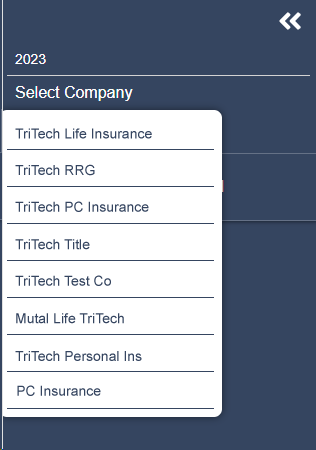
Select Company
After selecting the tax year, select your company by clicking Select Company and choosing the appropriate company from the dropdown list. Depending on the access provided by your employer, you may have access to one or multiple companies.
Once the company is selected, new options will display in the tree, including Company Information and all available jurisdictions (states and/or U.S. territories).
Related Articles
Was this helpful?